Introduction to ClassDojo App
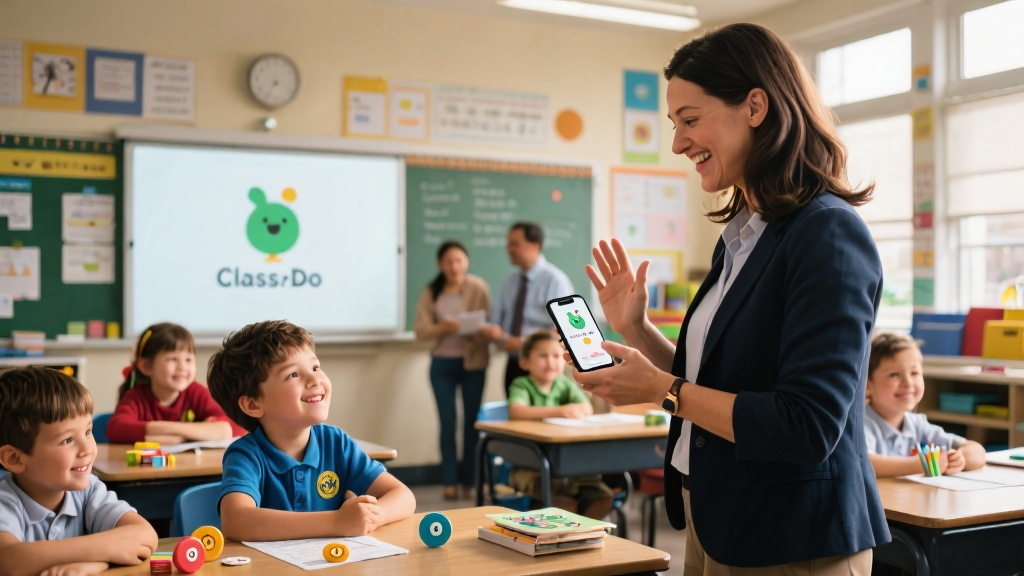
Imagine a classroom where every student is engaged, teachers and parents are in perfect sync, and achievements are celebrated in real-time. Welcome to the world of ClassDojo, a game-changing educational app that’s transforming how classrooms operate. Designed to boost participation and bridge the gap between teachers and parents, ClassDojo is more than just an app—it’s a dynamic tool that simplifies classroom management and amplifies student engagement. Whether it’s tracking behavior, fostering communication, or showcasing student successes, ClassDojo has it all covered.
Getting Started with ClassDojo
Ready to dive in? The first step is a breeze: download the app from the App Store or Google Play, depending on your device. Once installed, creating an account is straightforward—just select your role (teacher, student, or parent) and fill in the basics like your name, email, and password. After logging in, you’ll set up your profile. Teachers, this is where the magic begins! Create your classes, add students, and establish classroom rules to lay the foundation for a structured and engaging learning environment.
Advanced Techniques for Effective Use
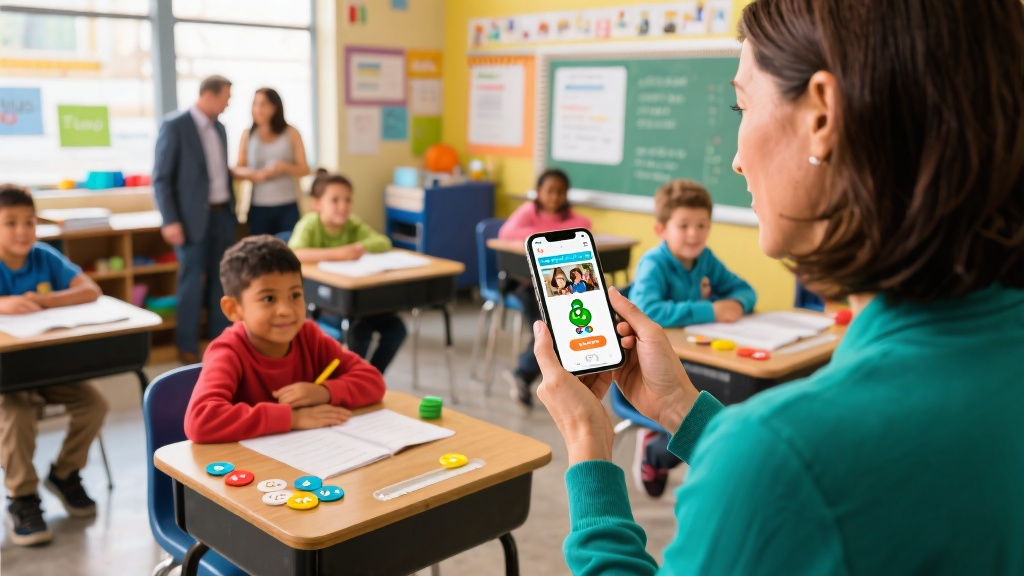
ClassDojo isn’t just about basics—it’s packed with advanced features to supercharge your classroom. Take behavior management, for instance. Teachers can give real-time feedback and reward points to students who shine in class discussions, turning positive behavior into a fun competition. But that’s not all. The app also acts as a bridge between teachers and parents, letting parents stay in the loop with updates, photos, and comments on assignments. Plus, students get a platform to showcase their projects and achievements, receiving feedback from both peers and parents. It’s like a virtual classroom where everyone’s connected and celebrated.
Avoiding Common Pitfalls
Even the best tools can be misused, and ClassDojo is no exception. One common mistake? Over-relying on points and scores, which can shift focus from actual growth to just chasing numbers. The fix? Balance those points with verbal praise and tangible rewards to nurture well-rounded development. Another pitfall is inconsistent communication with parents. To keep the connection strong, teachers should regularly share updates and maintain an open dialogue. After all, a little effort goes a long way in building trust and engagement.
Frequently Asked Questions (FAQ)
Q: How can I reset a student's password?
A: Easy! Head to the student management section in your account and click ‘Reset Password.’
Q: How can parents receive notifications?
A: Parents just need to link their account to their child’s profile and enable notifications in the app settings.
Q: How do I delete a class?
A: Navigate to the class management page and hit ‘Delete Class.’ Done!
Q: How can students view their scores?
A: Students can log in and check their personal dashboard for scores.
Q: How can I export a student behavior report?
A: Go to the class management page and select ‘Export Report’ to get your data.
Conclusion
ClassDojo isn’t just another app—it’s a powerhouse for creating vibrant, connected classrooms. With its intuitive interface and robust features, it’s a must-have for educators looking to boost participation, strengthen communication, and celebrate student progress. By integrating ClassDojo into your teaching toolkit, you’re not just managing a classroom; you’re building a community. So why wait? Dive in, explore its potential, and see how it can transform your classroom experience. Your students—and their parents—will thank you!
Discover more about the ClassDojo app and how it can revolutionize your classroom today!