Introduction to Remini
What is Remini?
Remini is a game-changer in the world of photo editing. Imagine turning blurry, low-res snapshots into crisp, high-definition masterpieces—sounds like magic, right? That’s exactly what Remini does. Powered by cutting-edge AI, it breathes life into your photos by restoring lost details and sharpening every pixel. Whether you’re reviving old family photos or sprucing up images from your smartphone, Remini is your go-to tool for making memories shine. It’s perfect for both personal keepsakes and professional projects, ensuring every photo tells its story in stunning clarity.

Why Use Remini?
Why should you give Remini a try? For starters, it’s a lifesaver for old photos. Those faded, scratched, or damaged pictures? Remini can restore them to their former glory. It’s also a wizard at transforming low-res images into high-definition wonders. Even if you’re not tech-savvy, you’ll find its interface a breeze to navigate. Plus, its versatility is unmatched—whether you’re curating a family album, building a professional portfolio, or crafting eye-catching social media posts, Remini has got you covered. It’s like having a photo studio in your pocket.

Getting Started with Remini
Downloading and Installing Remini
Ready to dive in? Head to the App Store or Google Play and search for “Remini.” Hit download, and let the app work its magic. Once it’s installed, follow the simple on-screen instructions to set it up. You’ll need to create an account—sign up with your email or link your social media for easy access. This way, you can save and organize all your enhanced photos without a hitch. It’s quick, easy, and you’ll be ready to start enhancing in no time.
Navigating the Interface
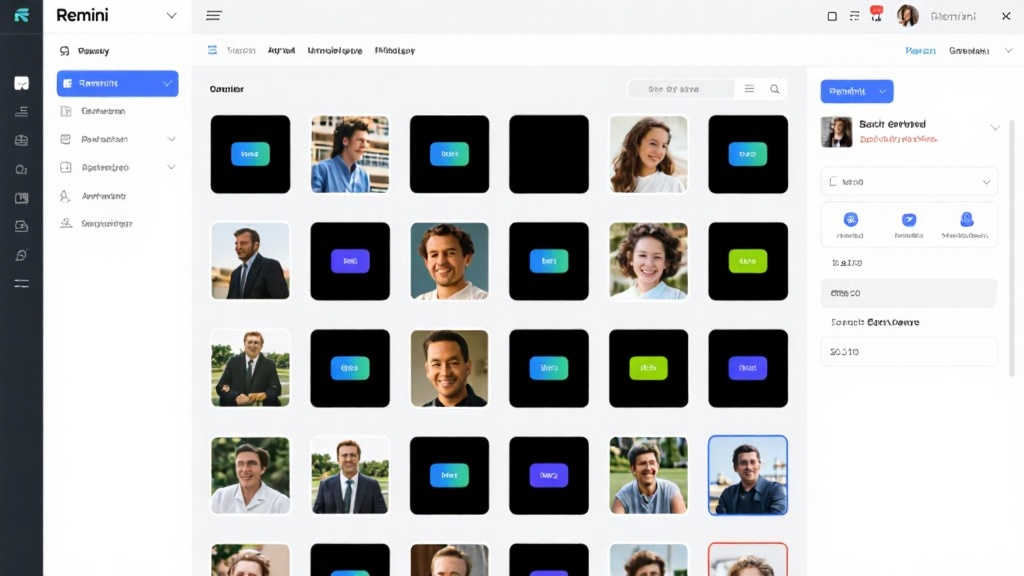
Remini’s interface is as user-friendly as it gets. The Home Screen is your hub for starting new projects or revisiting recent ones. The Gallery section keeps all your enhanced photos neatly organized, while the Settings menu lets you tweak the app to your liking. Whether you’re managing your account or customizing preferences, everything is just a tap away. Even if you’re a first-timer, you’ll feel like a pro in minutes.
Basic Features and How to Use Them
Enhancing a Single Photo
Enhancing a single photo with Remini is a piece of cake. Open the app, pick a photo from your gallery, or snap a new one. Hit the “Enhance” button, and let Remini’s AI work its wonders. It’ll analyze the image, sharpen details, and bring out the best in every pixel. Once it’s done, save the enhanced photo to your device or share it directly on social media. It’s that simple—no fuss, no hassle, just stunning results.
Batch Processing Multiple Photos
Got a bunch of photos that need a makeover? Remini’s batch processing feature has you covered. Select multiple photos from your gallery, tap “Batch Enhance,” and let the app do the heavy lifting. It’s a huge time-saver, especially if you’re working with a large collection. Once the process is complete, review the enhanced photos and save them all at once. Perfect for those who want to polish an entire album in one go.

Advanced Features and Tips
Using AI Filters
Remini’s AI filters take photo enhancement to the next level. Portrait Mode is perfect for selfies and portraits—it smooths skin and enhances facial features for a flawless look. Landscape Mode brings out the vibrancy in outdoor shots, making every detail pop. And if you’re feeling nostalgic, the Black & White filter adds a timeless, classic touch to your photos. These filters are like having a professional editor at your fingertips.
Restoring Old Photos
Bringing old photos back to life is one of Remini’s standout features. Start by digitizing your old pictures—scan or upload them to the app. Then, use Remini’s restoration tools to remove scratches, stains, and other imperfections. Finally, let the AI enhance the details, revealing elements you thought were lost forever. It’s like giving your cherished memories a second chance to shine.
Customizing Enhancements
Want more control over your edits? Remini lets you fine-tune your photos with ease. Adjust brightness and contrast to get the lighting just right. Boost sharpness for crystal-clear images or tweak colors to make them more vibrant. These customization options let you put your personal touch on every photo, ensuring it looks exactly how you envisioned.
Common Mistakes and How to Avoid Them
Over-Enhancing Photos
It’s easy to get carried away with enhancements, but overdoing it can make your photos look unnatural. Avoid excessive sharpening and stick to a balanced approach. Remember, the goal is to enhance, not overpower. Keep the original feel of the photo intact, and let the enhancements complement it.
Ignoring Original Quality
Enhancements work best when you start with a decent-quality photo. If the original is too blurry or low-res, the results might not be as impressive. Always aim to use the best possible source image. High-resolution photos will give you the most stunning results.
Not Saving Originals
Before you start enhancing, always save a backup of your original photos. It’s easy to get caught up in the editing process and forget to keep the unedited versions. Use cloud storage for added security—this way, you can always go back to the original if needed.
FAQ
Q: Can Remini enhance photos taken in low light?
Q: Is Remini free to use?
Q: How long does it take to enhance a photo?
Q: Can I use Remini for professional photography?
Q: Does Remini work on all types of photos?
With this guide in hand, you’re all set to master Remini and turn your photos from ordinary to extraordinary. Whether you’re a casual user or a pro, Remini ensures your photos always look their best. Download Remini now and start transforming your photos today!