RATINGS
8992M
DOWNLOADS
4+
AGE

 Download Latest APK
Wait a moment, your result is coming soon!

Face is not found. Please try again with another clear full-face portrait of a better quality.

Take Quiz Now
Screenshots
About this app
-
 Name AppLock - Fingerprint
 -
 category Tools
 -
 Price 0
 -
 Safety 100% Safe
 -
 Developer SpSoft
 -
 Version
 -
 Target Casual Users
 -
 Update 2025.02.18
Related articles



Core Features
-
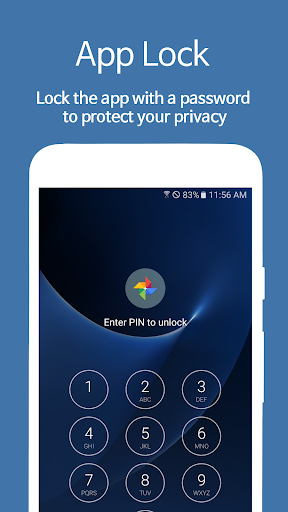
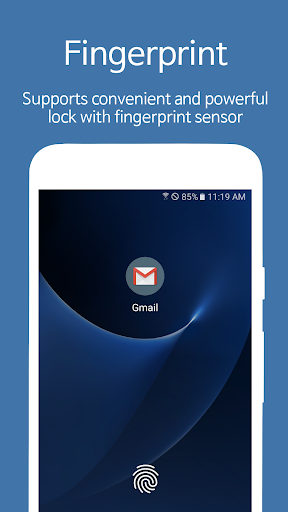
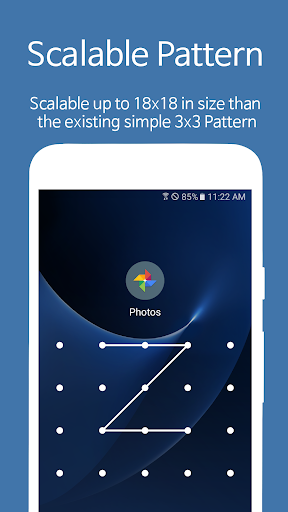
App LockingSecurely lock individual apps with a password, fingerprint, or face recognition to prevent unauthorized access and protect your privacy.
-
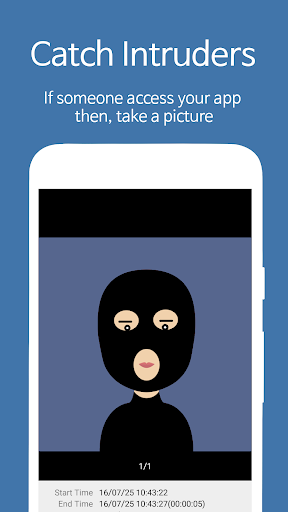
Intruder DetectionAutomatically capture a photo or video of anyone attempting to access locked apps and receive it sent directly to your email.
-
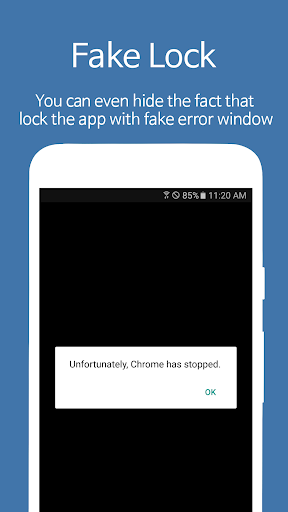
Fake Lock ScreenDisguise the locked apps with a fake error window, ensuring that snoopers won't realize that the app is actually secured.
-
Smart Lock OptionsCustomize locking behavior by setting times for automatic locking or unlocking certain apps when connected to specific WiFi or Bluetooth.
-
Multiple PasswordsAssign different passwords for each locked app, providing an additional layer of security tailored to your various applications.
Pros
-
User-Friendly InterfaceThe app features an intuitive design that allows for easy setup and management of app security without technical expertise.
-
Lightweight ApplicationAt just 8MB, AppLock is designed to run smoothly and does not consume excessive system resources, ensuring fast performance.
-
Extensive CustomizationOffers a variety of customizable features such as changing themes for the lock screen, which enhances user experience.
-
Language SupportAppLock supports 32 languages, making it accessible for users around the world.
-
Notification ManagementBlocks notifications from apps that are locked, preventing any alerts from revealing your private apps to others.
Cons
-
Requires PermissionsThe app requires device administrator and accessibility permissions for optimal functionality, which might raise privacy concerns for some users.
-
Occasional BugsSome users report occasional glitches, such as the app not responding immediately when unlocked, leading to potential frustration.
-
Uninstallation PreventionWhile designed for security, the option to prevent uninstallation might confuse users unfamiliar with app management.
-
Limited Free FeaturesSome advanced features are only available in the premium version, which could limit functionality for users of the free app.
-
Reliance on Device SupportFacial recognition and fingerprint lock features depend on the hardware capability of the device, making it unavailable for some users.
Price
-
Free VersionThe free version of AppLock provides essential features but may include ads and limits on some advanced functionalities.
-
Pro VersionThe premium subscription unlocks all features, removes advertisements, and provides enhanced support for those needing absolute privacy and functionality.
Ratings
4.3
966.2K votes
-
5
-
4
-
3
-
2
-
1