
RATINGS
590M
DOWNLOADS
4+
AGE

 Download Latest APK
Wait a moment, your result is coming soon!

Face is not found. Please try again with another clear full-face portrait of a better quality.

Take Quiz Now
Screenshots






About this app
-
 Name Pocket: Save. Read. Grow.
 -
 category News & Magazines
 -
 Price Free
 -
 Safety 100% Safe
 -
 Developer Read It Later
 -
 Version 7.64.1.0
 -
 Target Casual Readers
 -
 Update 2025.02.11
Related articles




Core Features
-
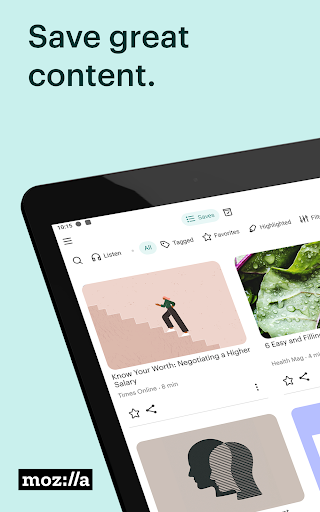
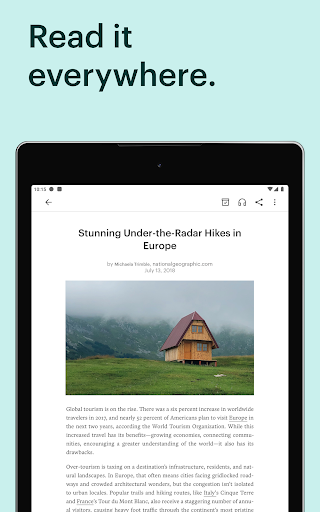
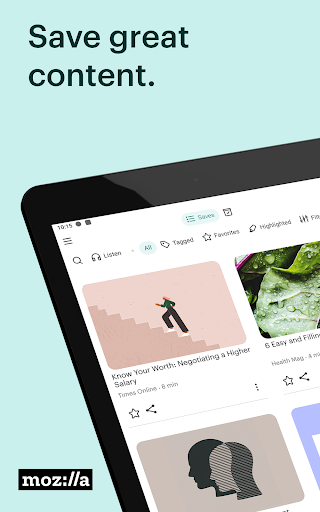
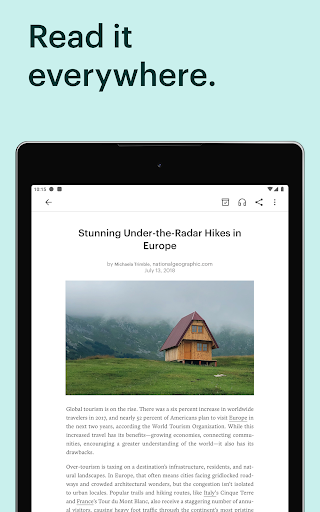
Offline ReadingPocket allows you to save articles and web pages for offline reading, enabling users to access their content anytime, anywhere, even without an internet connection.
-
Cross-Platform SyncYour saved content seamlessly syncs across all devices, including smartphones, tablets, and desktop browsers, ensuring you can pick up right where you left off.
-
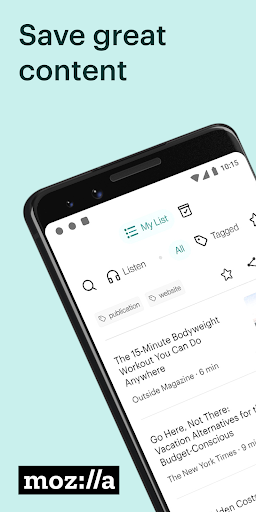
Tagging and OrganizationOrganize your saved articles with customizable tags for easy retrieval, enhancing your reading experience and allowing users to categorize content according to their interests.
-
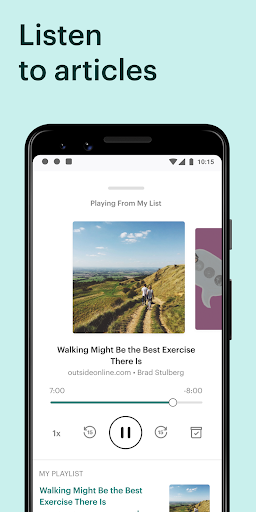
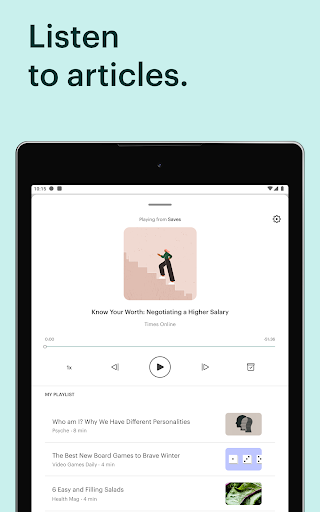
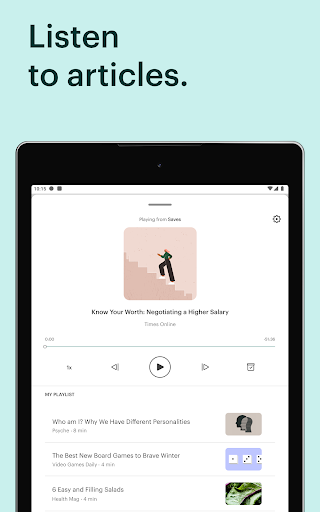
Text-to-SpeechPocket’s text-to-speech feature transforms your articles into audible content, making it easy to listen to your saved articles while commuting or exercising.
-
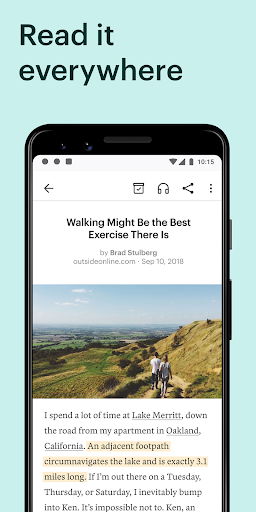
Highlight and CommentUsers can highlight important sections and add comments to saved articles, fostering better retention and allowing easy reference for future reading.
Pros
-
User-Friendly InterfacePocket features an intuitive design that makes saving and reading articles straightforward, appealing to both tech-savvy users and beginners.
-
Smart RecommendationsThe app provides personalized content recommendations based on your reading habits, helping you discover new articles and sources tailored to your interests.
-
Extensive Browser IntegrationWith browser extensions available for popular web browsers, saving content to Pocket is convenient, enhancing overall user experience.
-
Customization OptionsUsers can customize the font style, size, and reading modes (such as light and dark modes), providing a personal touch to the reading experience.
-
Focus ModeThe focus mode reduces distractions by removing ads and clutter from articles, allowing for a more immersive reading experience.
Cons
-
Limited Free FeaturesWhile the free version offers robust features, some premium functionalities, like advanced search and unlimited highlighting, require a paid subscription.
-
Loading SpeedAt times, loading saved articles can be slower than expected, particularly with larger content, which may hinder user experience on older devices.
-
Subscription CostsThe premium subscription may be considered expensive by some users, especially those who only occasionally use the app.
Price
-
Free VersionThe free version allows users to save articles and read them offline with basic features, catering well to casual readers.
-
Premium VersionFor a monthly or annual fee, the premium version unlocks additional features such as unlimited highlights, advanced search capabilities, and a personalized reading experience.
Ratings
4
308.6K votes
-
5
-
4
-
3
-
2
-
1